
Roles and portals
Everyone sees their own work, and nothing else
Reps get the dialer. Managers get the live floor. Customers and suppliers each log in to a portal that shows only what belongs to them. One workspace, six roles, two outside portals — so access fits the job instead of fighting it.
Inside the team
Four staff roles, drawn around how a sales team actually works
Member
The rep. Gets the dialer, their lead queue, and their own numbers — focused on the next call, not the admin panel.
Team lead
Owns a group of reps. Sees the team's calls and pipeline by default, and shows up in the live supervisor view alongside admins.
Admin
Runs the org day to day — settings, modules, people, and the destructive actions that members never see.
Super admin
Full reach across the whole tenant. The top of the staff ladder for the person who owns the account.
For managers
Watch the floor live, not in last week's report
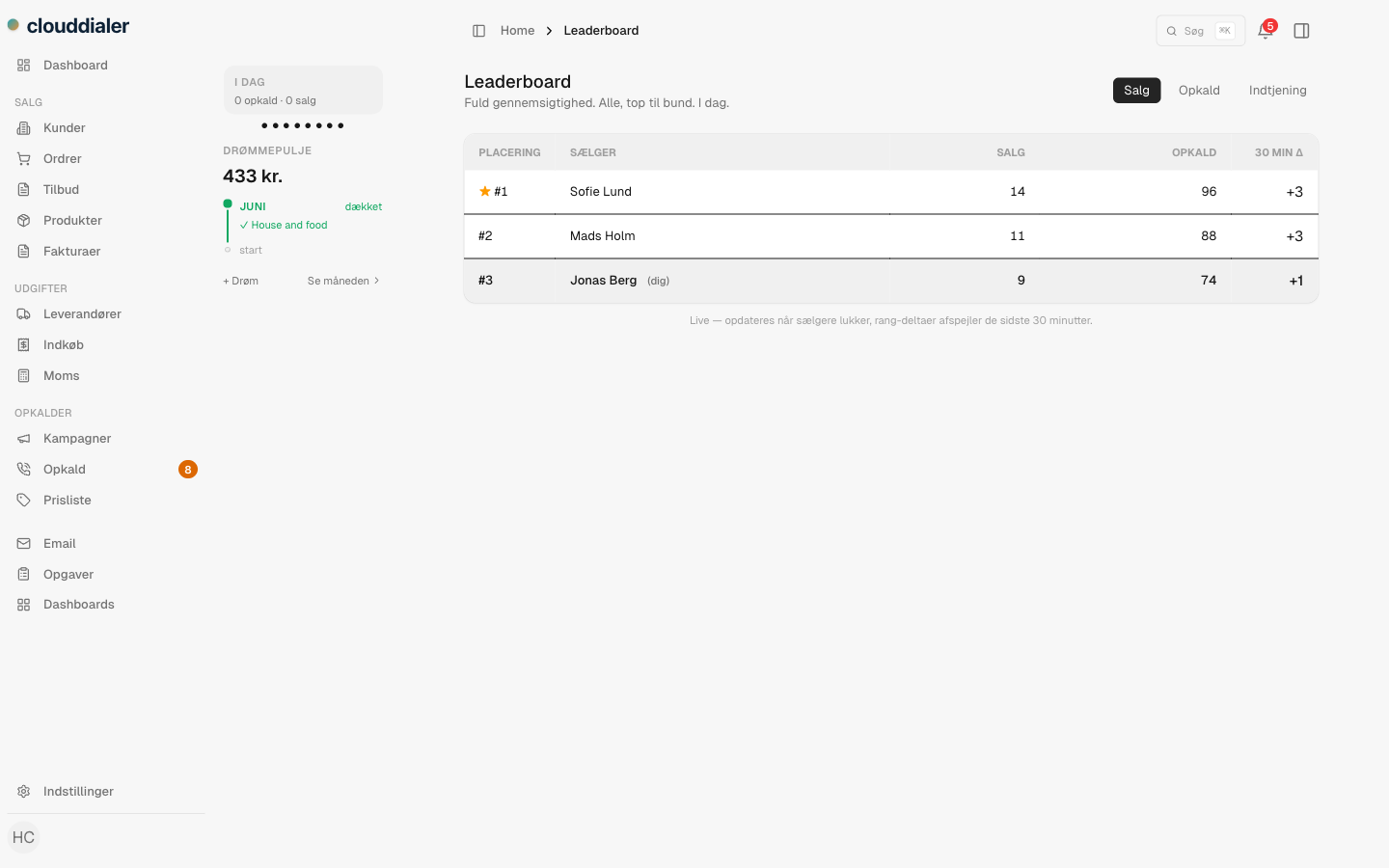
The supervisor view is a real-time read on the room: who is on a call right now, who is idle, and how each campaign is moving. It is reserved for admins and team leads, so coaching and monitoring sit with the people responsible for the numbers — and stay out of every rep's screen.
- See agent status update as calls connect and end
- Filter by campaign to follow one push at a time
- Coaching is post-call by design — review the recording, not the live line
For your customers
A buyer portal your customers actually log in to
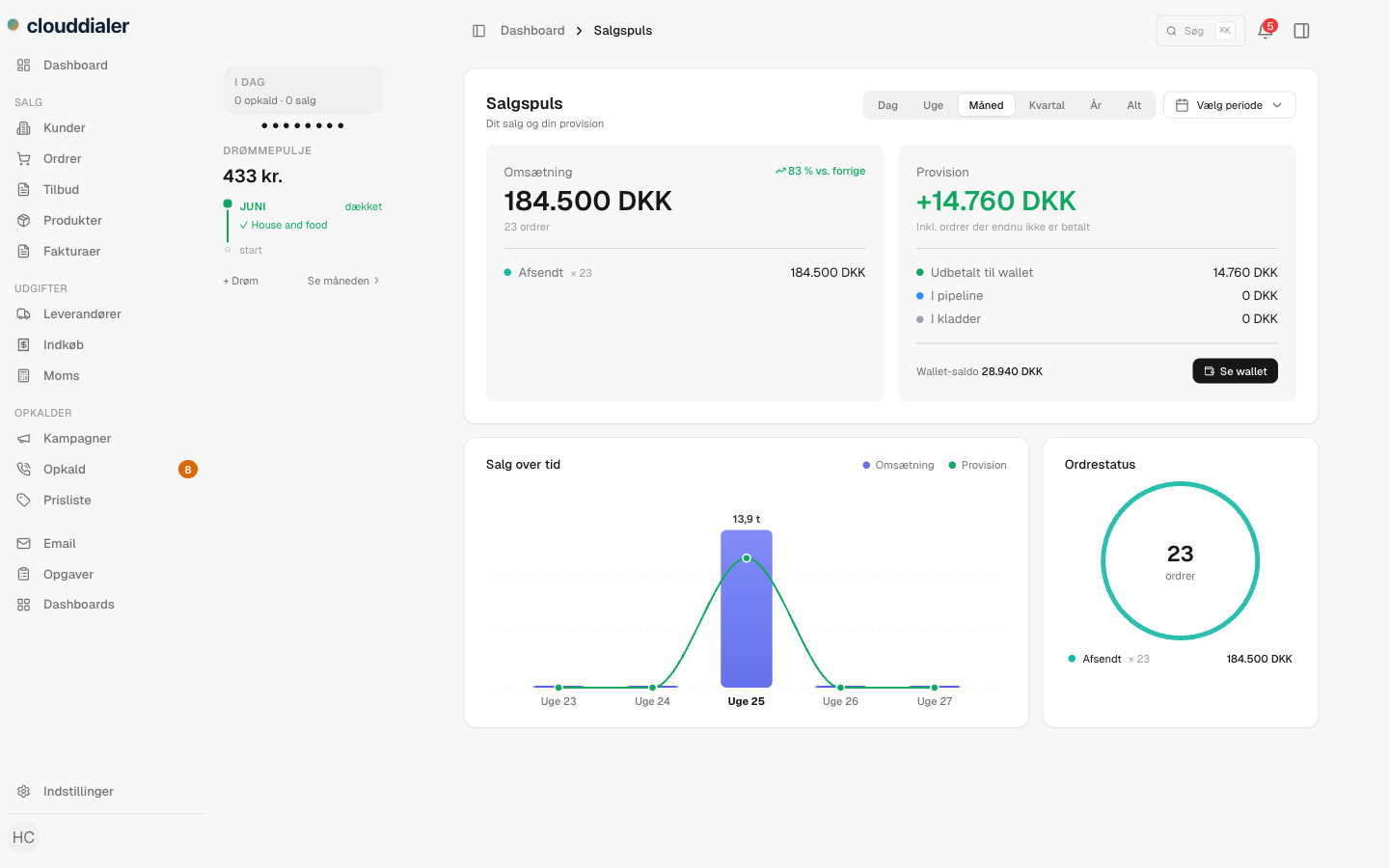
Send a magic link and your customer is in — no password to invent, no account to set up. Inside, each buyer sees only their own quotes, invoices, statement, and price list, and can reorder in a few clicks. The link is single-use and expires in 24 hours, so access stays tight without a support ticket.
- Magic-link login: one tap from an email, no password required
- Per-customer pricing, statement, and invoice history — scoped to them
- Reorder and download invoices without calling a rep
For your suppliers
A supplier portal — switched on only when you want it
Suppliers who hold consignment stock get their own door in. They log in by magic link and see exactly one thing: their consignments, stock, and settlements — never your customers, never your pipeline. The portal ships off and turns on per organisation, and can run on your own domain when you do enable it.
- Off by default — you decide if and when suppliers get a login
- Each supplier sees only their own consignments and settlements
- Run it on a custom domain so it matches your brand
How access works
One workspace, walls in the right places
Pick a role
Member, team lead, admin, or super admin for staff — buyer or supplier for the people outside your team.
The view follows the role
Staff get the dialer and the surfaces their role unlocks; managers add the supervisor view; outsiders only ever reach their portal.
Outsiders log in by magic link
Buyers and suppliers click a single-use link that expires in 24 hours — no shared logins, no passwords to manage.
Questions managers ask
Can a customer or supplier see our pipeline?
No. Buyer and supplier roles never touch the dialer or your internal data. A buyer sees only their own orders and pricing; a supplier sees only their own consignments and settlements.
Do buyers and suppliers need a password?
No. Both log in with a magic link sent to their email. The link works once and expires after 24 hours, so you are not managing accounts or resets for people outside your team.
Is the supplier portal on for everyone?
No. It ships off and is enabled per organisation. Turn it on only when you have suppliers to give access to — and run it on your own domain if you like.
Who can see the live supervisor view?
Admins and team leads. Reps stay focused on their own calls; the people accountable for the floor get the real-time picture.
How are different teams kept apart?
Every account is its own tenant. Roles draw the lines inside it, so one organisation's data never crosses into another's.
Give each person the screen that fits the job
Reps focused on calls, managers watching the floor, customers and suppliers in portals of their own. See how the roles map to your team.