
Inbound & outbound
Know who is calling before you say hello
Inbound calls ring the rep who owns the relationship, with the lead's history already open on screen. Outbound calls go out on a number your company owns. Calling lives in the same browser tab your team already works in, so there is nothing to install.
Inbound
The call rings the right person, with the customer already on screen
When a call comes in, CloudDialer looks up the number, finds the lead or customer behind it, and rings the rep who owns that relationship. Their screen pops the contact, the history, and the open deal before they pick up. Nobody else's phone lights up, and nobody starts the conversation cold.
- The caller's number is matched to a lead or customer the moment the call arrives
- Only the owner's screen rings and pops; the wrong rep's tab quietly declines
- Every inbound call is logged against the contact, answered or missed
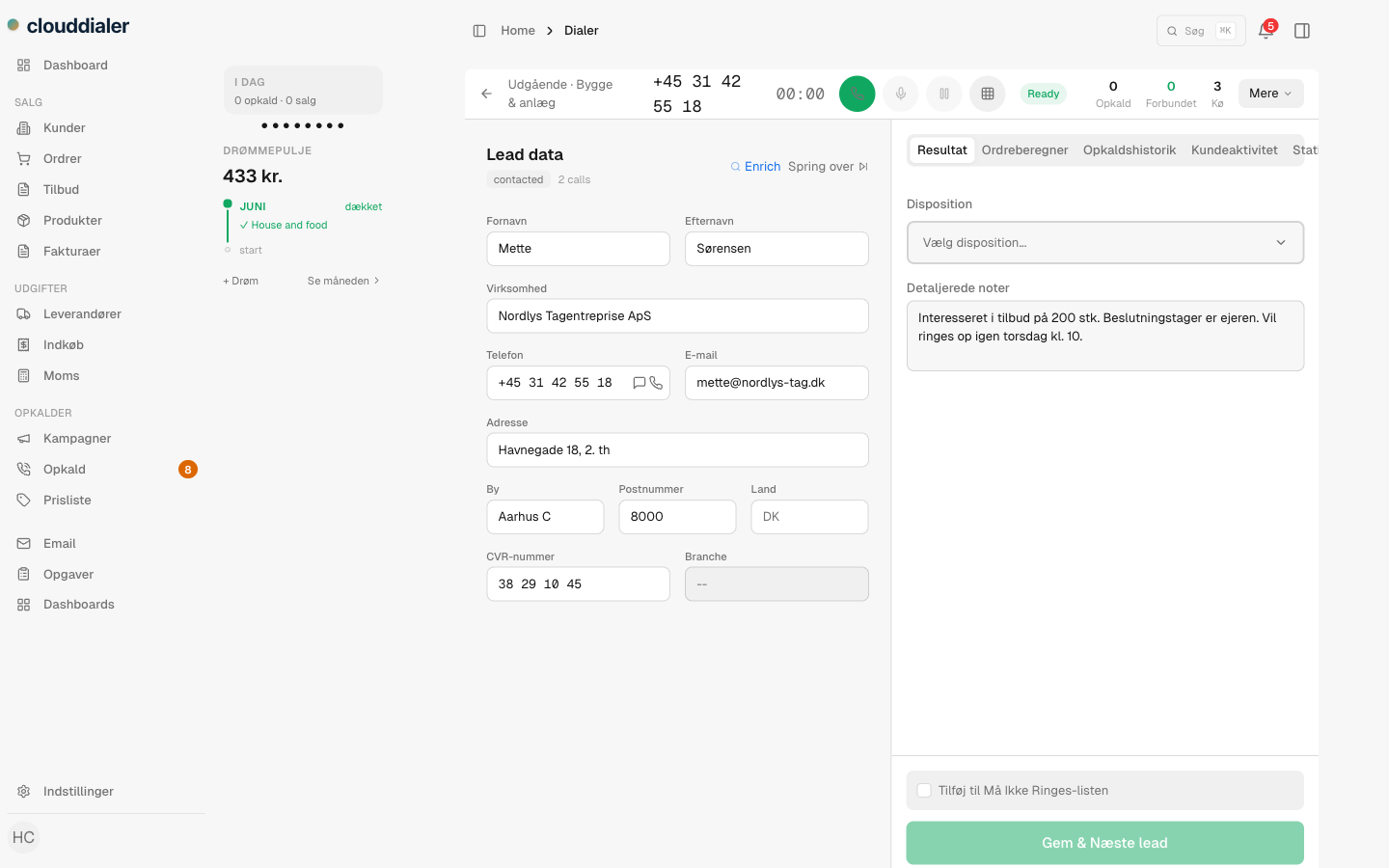
Outbound
Every outbound call goes out on a number you own
Each rep and each campaign gets a real direct line from your number pool. When a rep dials, the call presents that owned number as the caller ID. If a rep has no number of their own, CloudDialer falls back to a line your company owns at the org level, and never borrows the carrier's default. People you call see a number they can call back and recognise.
- Direct lines assigned per rep, per campaign, or at the org level
- The number you present is always one your organisation owns
- Callbacks land on the right rep, because the number they saw is the rep's own line
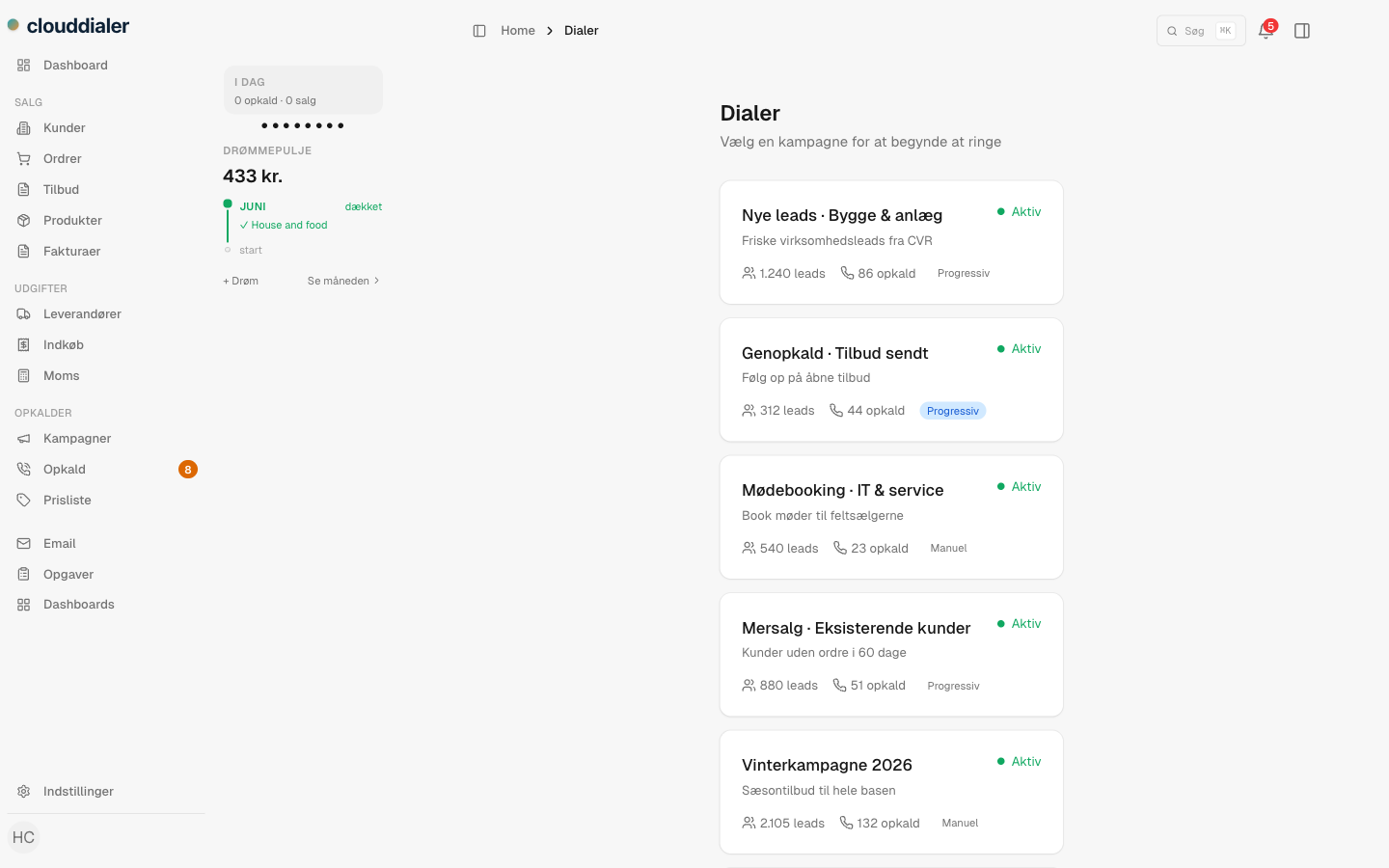
How an inbound call works
From ringtone to answered, in order
A number is dialed
The carrier hands the call to CloudDialer, which reads the number that was called and the number it came from.
We find the owner
The dialed line is matched to its owner, a rep or a campaign. Only that owner is asked to ring.
The screen pops
The caller's number is matched to a lead or customer, and the rep sees who it is, the open deal, and the last conversation, before answering.
The call is logged
Answered or missed, the call is recorded against the contact, so the next person who opens that lead sees it happened.
What you get with the module on
Calling that behaves like part of the CRM, because it is
Owned number pool
Your company's direct numbers live in one pool, assigned to the rep or campaign that should answer and present them.
Right-rep routing
Inbound calls ring the person who owns the relationship, not a queue that anyone happens to grab.
Screen-pop on answer
The matching lead or customer is on screen before the rep says hello, so the call opens warm.
Caller ID you can't get wrong
A rep can only ever present a number your organisation owns; there is no path to borrow another company's line.
Logged against the contact
Inbound and outbound, answered and missed, every call is written back to the lead's timeline.
Nothing to install
Calls are placed and answered in the browser tab your team already works in. No softphone download, no desk handset.
The honest specifics
Questions reps and managers ask
What happens when an unknown number calls?
It still routes to the owner of the dialed line and rings their screen. There is just no contact to pop yet, so the rep answers a fresh number and can save it to a lead on the spot.
Can a rep accidentally show the wrong caller ID?
No. The outbound number is resolved to a line your organisation owns, and a call with no owned number to present is blocked before it dials. There is no fallback to a borrowed or shared carrier number.
Do reps share one line, or get their own?
Numbers from your pool are assigned per rep or per campaign. A rep's inbound calls ring their line, and their outbound calls present it, so callbacks come straight back to them.
Does my team need to install anything?
No. Inbound and outbound calls happen in the browser. Reps work in the same tab as the rest of the CRM; there is no softphone app or desk phone to set up.
Is calling on every plan?
Calling is a module you switch on when you want it. The free CRM core does not include it; you add inbound and outbound when your team is ready to run on it.
Turn the phone into part of the conversation, not a separate app
Switch on inbound and outbound and your team places and answers calls where the customer record already lives, on numbers you own, ringing the people who should answer.