
CloudDialer vs Foundbase
The call is the product, not an attachment
Foundbase and CloudDialer both aim at Danish B2B sales teams. The split is what happens when a rep needs to actually pick up the phone — and what happens to the deal after, in your accounting. CloudDialer builds both in; here is the difference in practice.
Calling
A native dialer beats a phone next to the keyboard
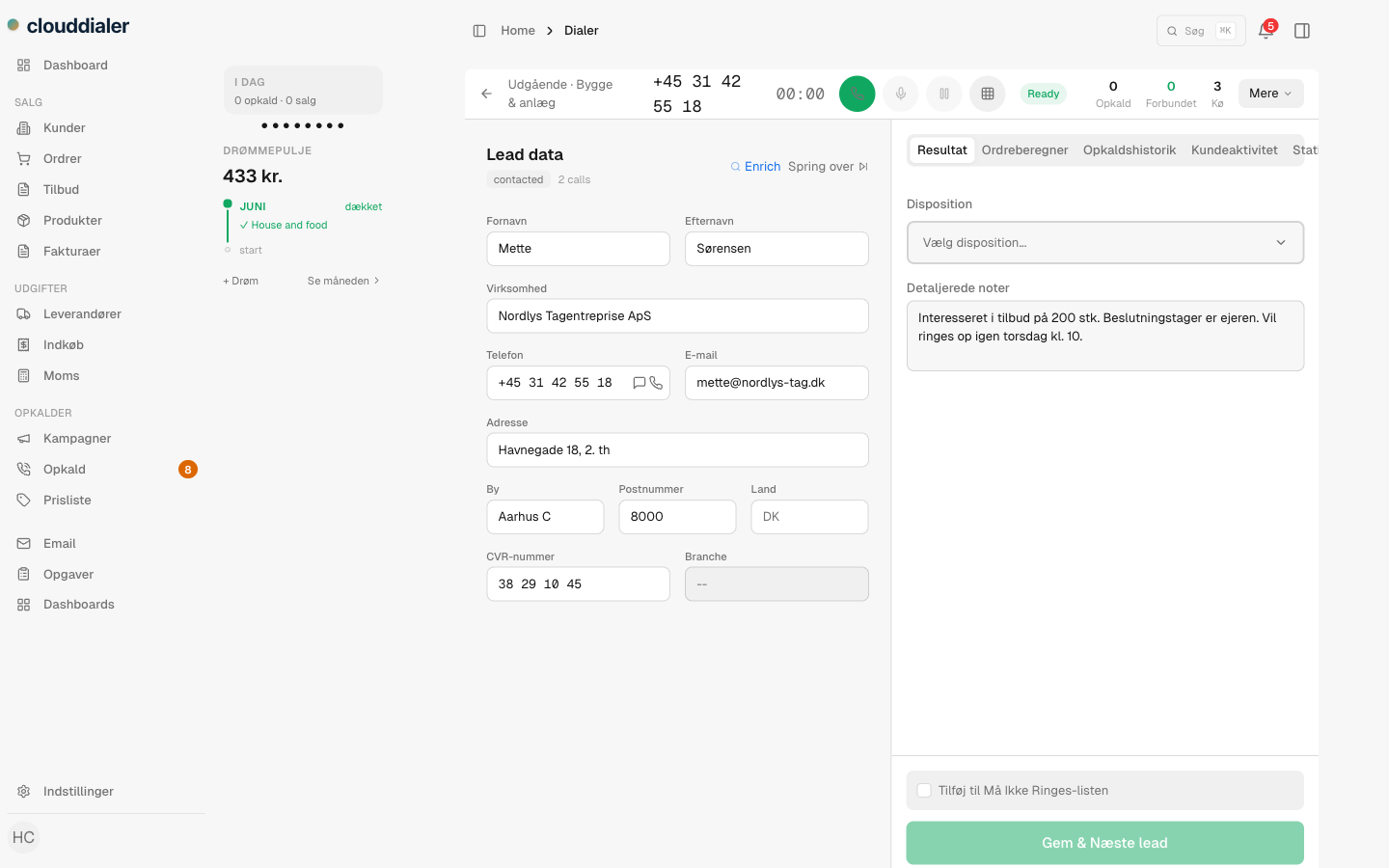
In CloudDialer, calling isn't a feature you connect — it is the core. The dialer runs natively in the browser with manual, progressive and predictive modes, the lead card open on the same screen, and every call logged to the contact the moment it ends. When calling lives outside the platform, every dial means switching contexts and every log entry depends on the rep remembering to make it.
- Manual, progressive and predictive dialing, native in the CRM
- No softphone, no install — the browser tab is the phone
- Every call, recording and outcome lands on the lead automatically
Accounting
Two-way with e-conomic, not a one-way import
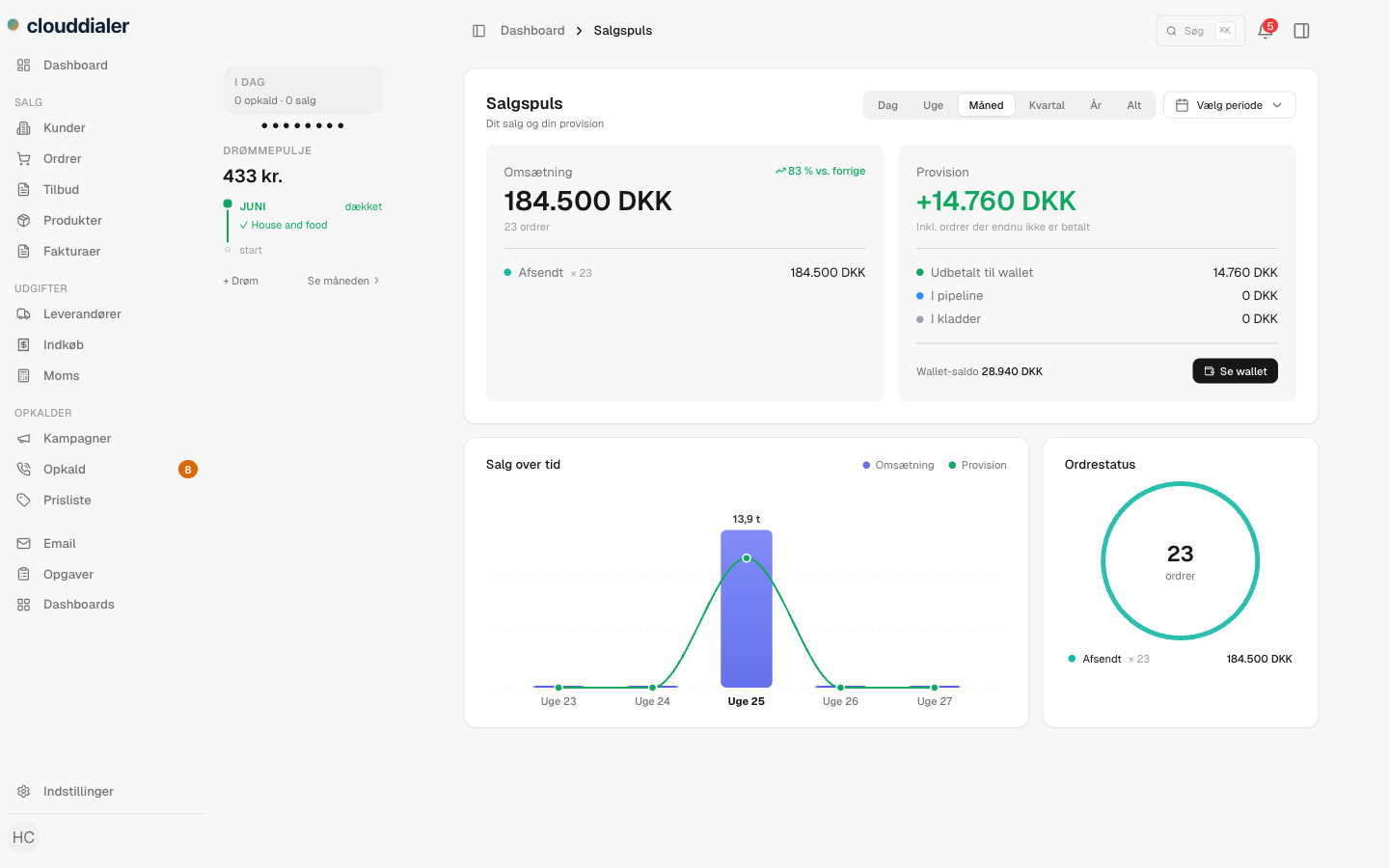
Foundbase reads from your accounting — a one-way import into the sales view. CloudDialer goes both directions with e-conomic. Orders and invoices created by your sales flow are pushed into e-conomic as drafts and booked there, and the ledger state flows back so overdue invoices and credit standing are visible where the selling happens. Your bookkeeper stays in e-conomic; your sellers stay in CloudDialer; the data agrees.
- Push orders and invoices into e-conomic, not just read from it
- Overdue and payment status visible on the customer, live
- Dunning flows can act on real ledger state, not a stale import
Automation
Rules and journeys carry the follow-up
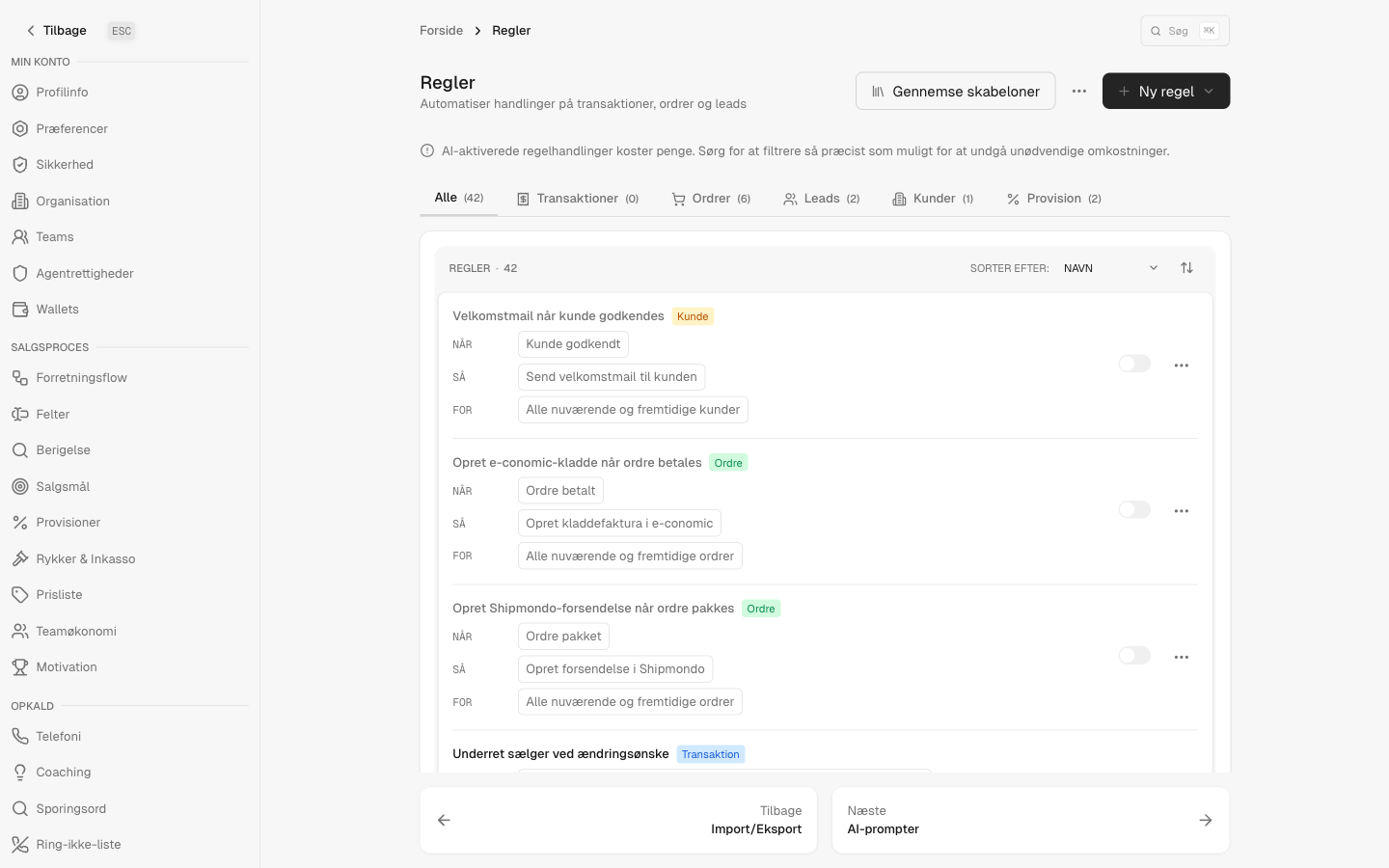
Every call outcome, booked meeting and won deal fires an event into CloudDialer's rules engine. Build visual journeys that re-queue a no-answer, send the follow-up SMS, hand a booked meeting to a closer, or move a won deal into invoicing — without a rep touching it. The follow-up machine and the dialer share one dataset, because they are one product.
- Visual journeys built on the same rules engine that runs the CRM
- SMS, email, tasks and handoffs triggered by real call outcomes
- One dataset from first dial to booked invoice
See the difference on a live call
Bring a real lead list, make real dials, and watch the deal travel from call to e-conomic without leaving the tab.