
Meeting booking
The dialer where the meeting gets booked, confirmed and kept
Meeting-booking teams live on two numbers — meetings set and meetings held. CloudDialer raises both. Book straight from the call screen while the lead is warm, then let automatic confirmations and reminders cut the no-shows.
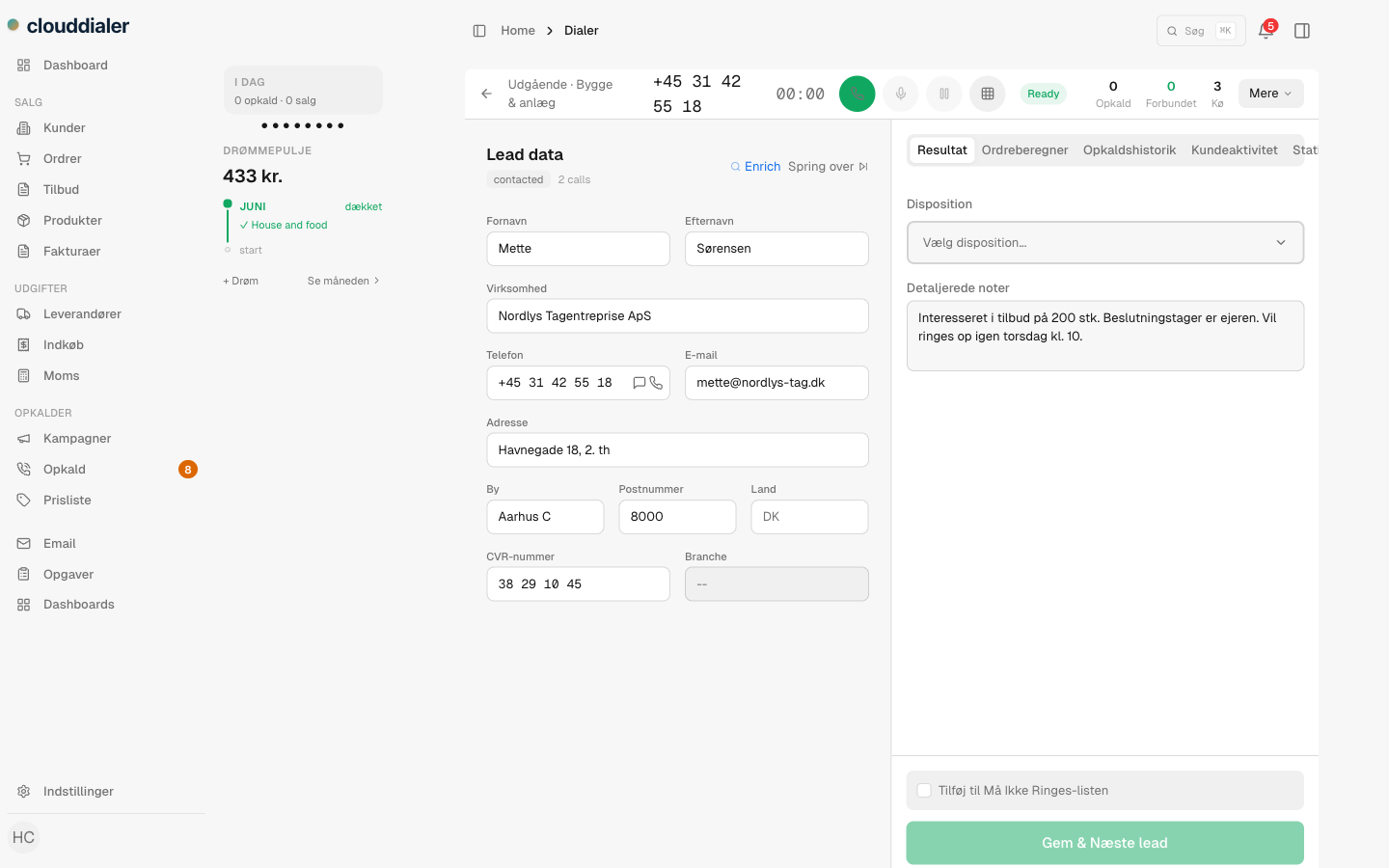
Booking in the call
Book the meeting before the goodbye
The moment a setter picks "meeting booked" as the outcome, the booking form opens on the same screen — date, time, and whether it's phone, video or in person. No tab-switching while the lead cools off, no retyping into a calendar tool. The meeting is tied to the lead and to the exact call that produced it.
- Booking form opens inside the call screen at outcome time
- Phone, video or in-person — the type travels with the meeting
- Every meeting traces back to the call that set it
Killing no-shows
What happens between the booking and the meeting
Instant confirmation
The lead receives an SMS or email confirming the meeting the moment it's booked, with its own confirmation link.
Reminder a day before
24 hours out, an automatic reminder goes to the lead — nobody on the team has to remember it.
Nudge an hour before
One hour before the meeting, a final nudge lands — the window where no-shows are actually saved.
On the closer's calendar
Connect Google Calendar or Outlook and the meeting syncs to the closer's real calendar, and clears itself if cancelled.
Setter to closer
The handoff is recorded, so credit stays honest
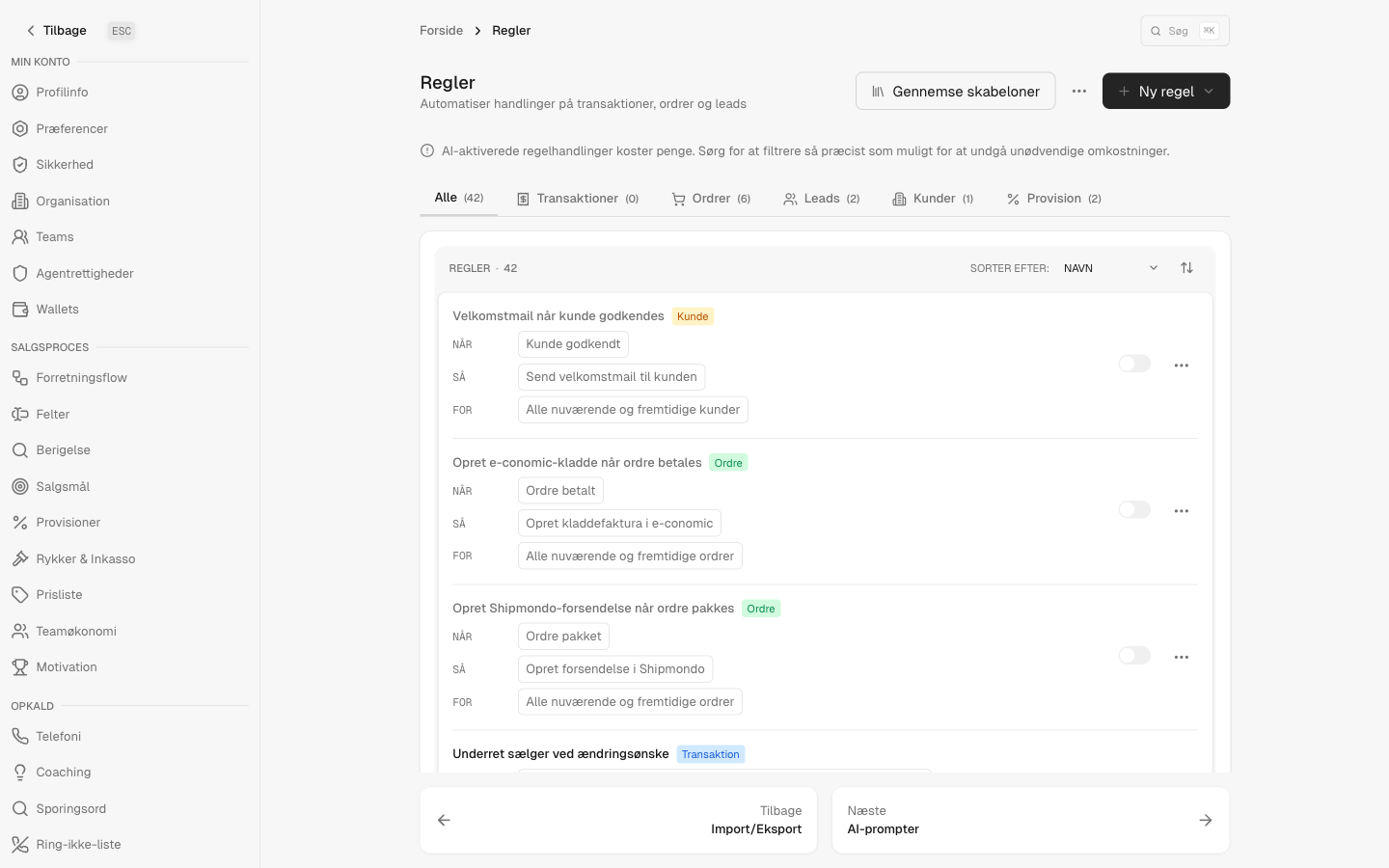
Assign the meeting to a closer at booking time and CloudDialer records who set it and who runs it. Rules can round-robin fresh bookings across the closing team, and a missed meeting fires its own event — so a no-show becomes a follow-up workflow instead of a lost row in a spreadsheet.
- Assign to any closer the moment the meeting is set
- Round-robin bookings across the closing team with a rule
- No-shows trigger their own follow-up automatically
Book more, hold more
Start with the free CRM, switch on the dialer, and let the confirmations run themselves.