
CRM with a dialer
The CRM that picks up the phone
Most CRMs treat calling as an integration. CloudDialer treats it as the point — a native dialer inside the CRM, running in the browser, with manual, progressive and predictive modes. The lead you're calling and the call itself are one screen.
Why built-in matters
When the dialer is native, nothing falls between systems
A CRM with a bolted-on phone integration leaks — unlogged calls, notes in the wrong place, outcomes typed twice. When the dialer is part of the CRM, every call is logged by construction, the recording sits on the contact, and the outcome the rep picks drives what happens next. There is no sync to break because there is nothing to sync.
- Every call, answered or missed, lands on the lead automatically
- Recordings and outcomes live on the contact, not in a phone portal
- One login and a headset — the browser tab is the phone
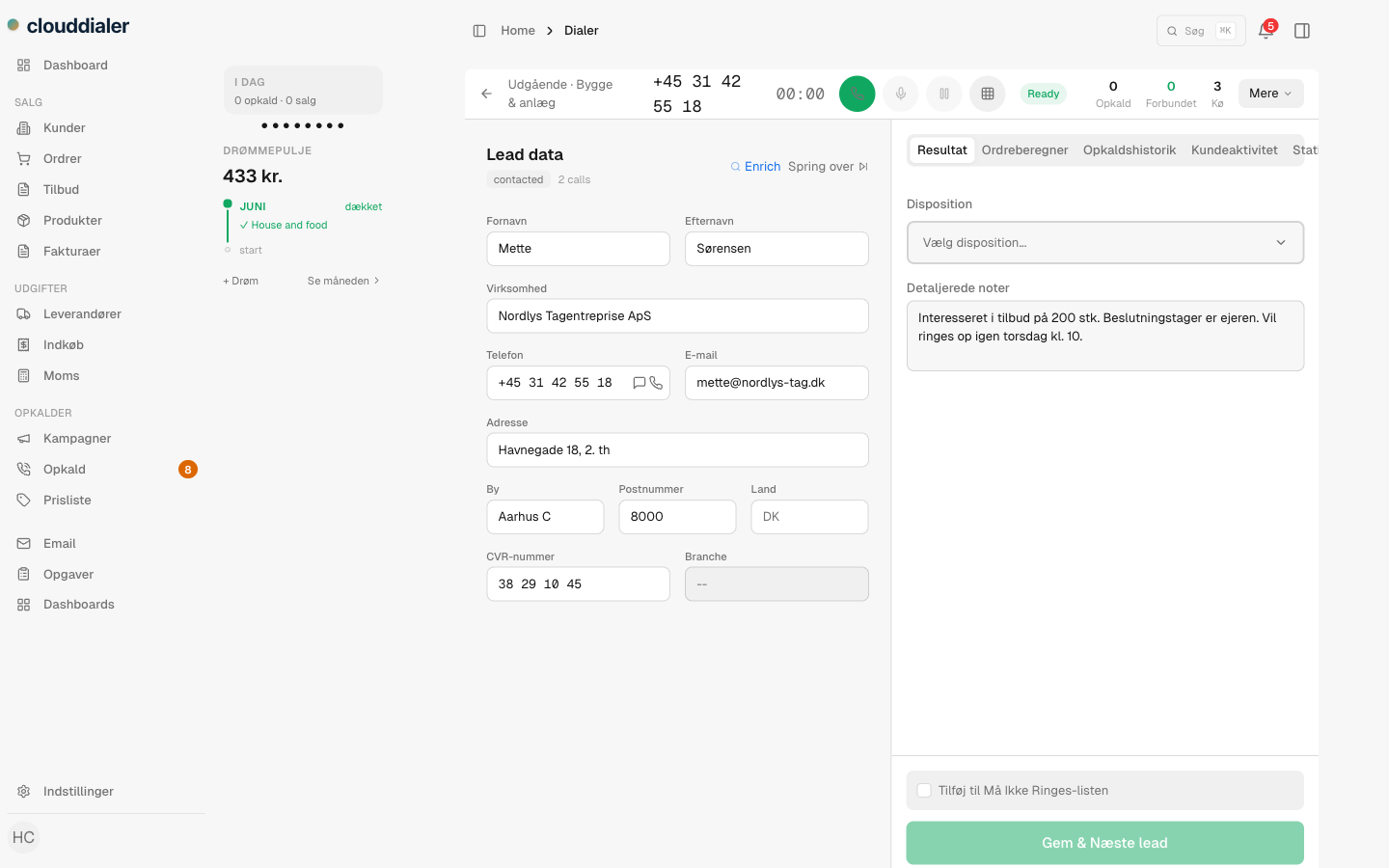
Three dialing modes
Manual, progressive or predictive — per campaign
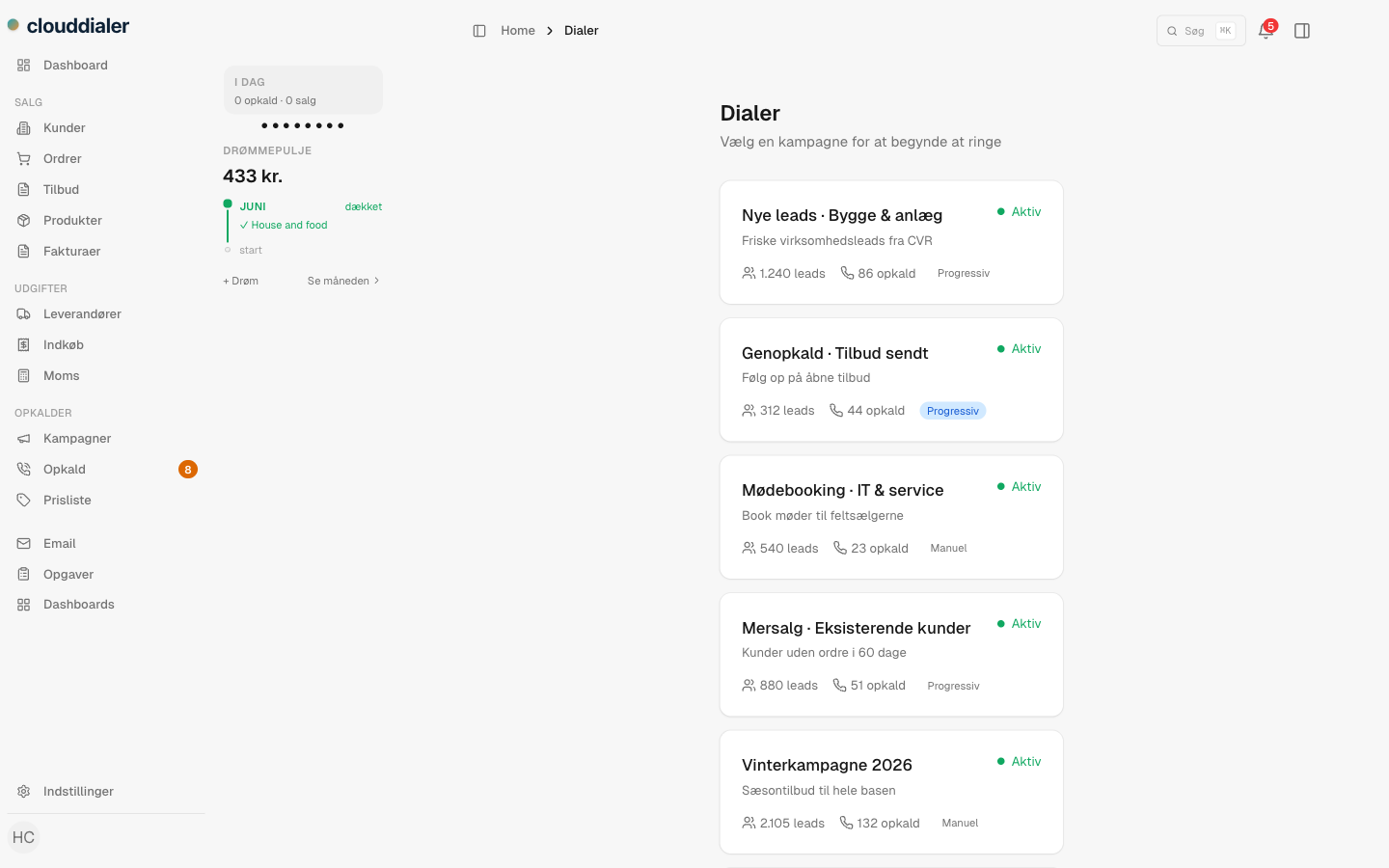
Different lists deserve different tempo. Dial key accounts manually with full context, let progressive mode feed the next lead the moment a call ends, or run predictive dialing across a large cold list so reps only hear connected calls. The mode is a campaign setting, not a product tier.
- Manual dialing for high-value, research-first calls
- Progressive mode keeps a steady rhythm without dead time
- Predictive dialing for volume lists, tuned per campaign
After the call
The outcome drives the follow-up on its own
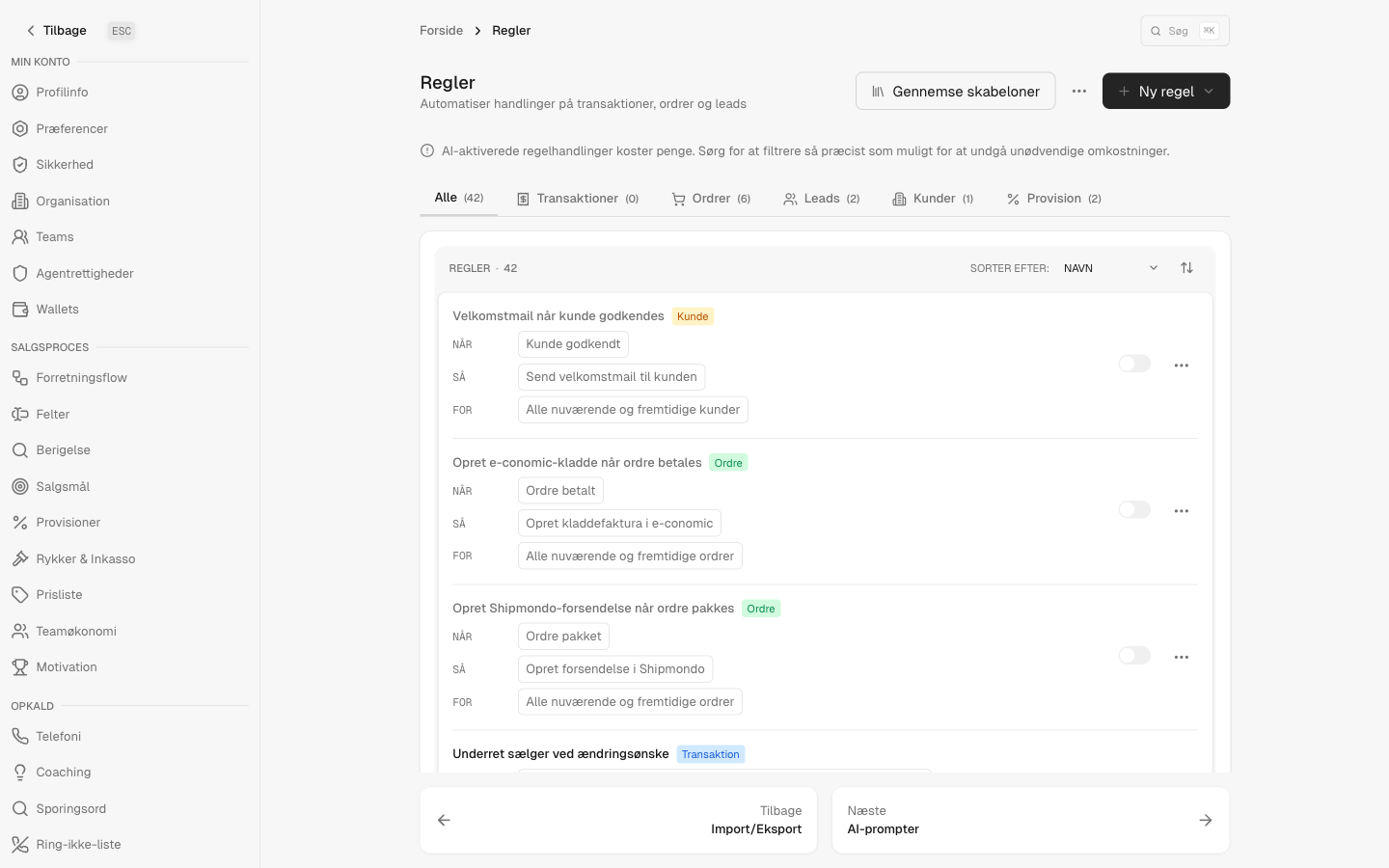
Picking a call outcome isn't paperwork — it's a trigger. The rules engine turns each outcome into the next step. A no-answer re-queues at a smarter time, an interested lead gets the follow-up SMS, a booked meeting is confirmed and reminded automatically. The CRM half and the dialer half share one brain.
- Call outcomes trigger rules and journeys instantly
- SMS, email and tasks fire without a rep remembering them
- Pipeline moves on real call data, not on manual updates
Common questions about CRM dialers
Do I need extra telephony hardware or a softphone?
No. The dialer runs entirely in the browser over WebRTC — a laptop, a headset and a login is the whole setup.
Is the CRM part really free?
Yes. Leads, customers, pipeline and history are free without a time limit. The dialer and automation modules are paid and switch on when you run outbound.
Whose number do my customers see?
Your own. Numbers are owned by your organisation and assigned per rep or per campaign, so callbacks land with the right seller.
Try a CRM that dials
Start with the free CRM, load your leads, and switch the dialer on when you're ready to call.