
Appointment setting
Fill the calendar your closers actually work from
Setters book the meeting straight from the dialer. The lead gets confirmed and reminded on its own, and the right closer picks it up the moment it's set — not at the end of the day in a spreadsheet of maybes.
From dial to booking
Book the meeting without leaving the call
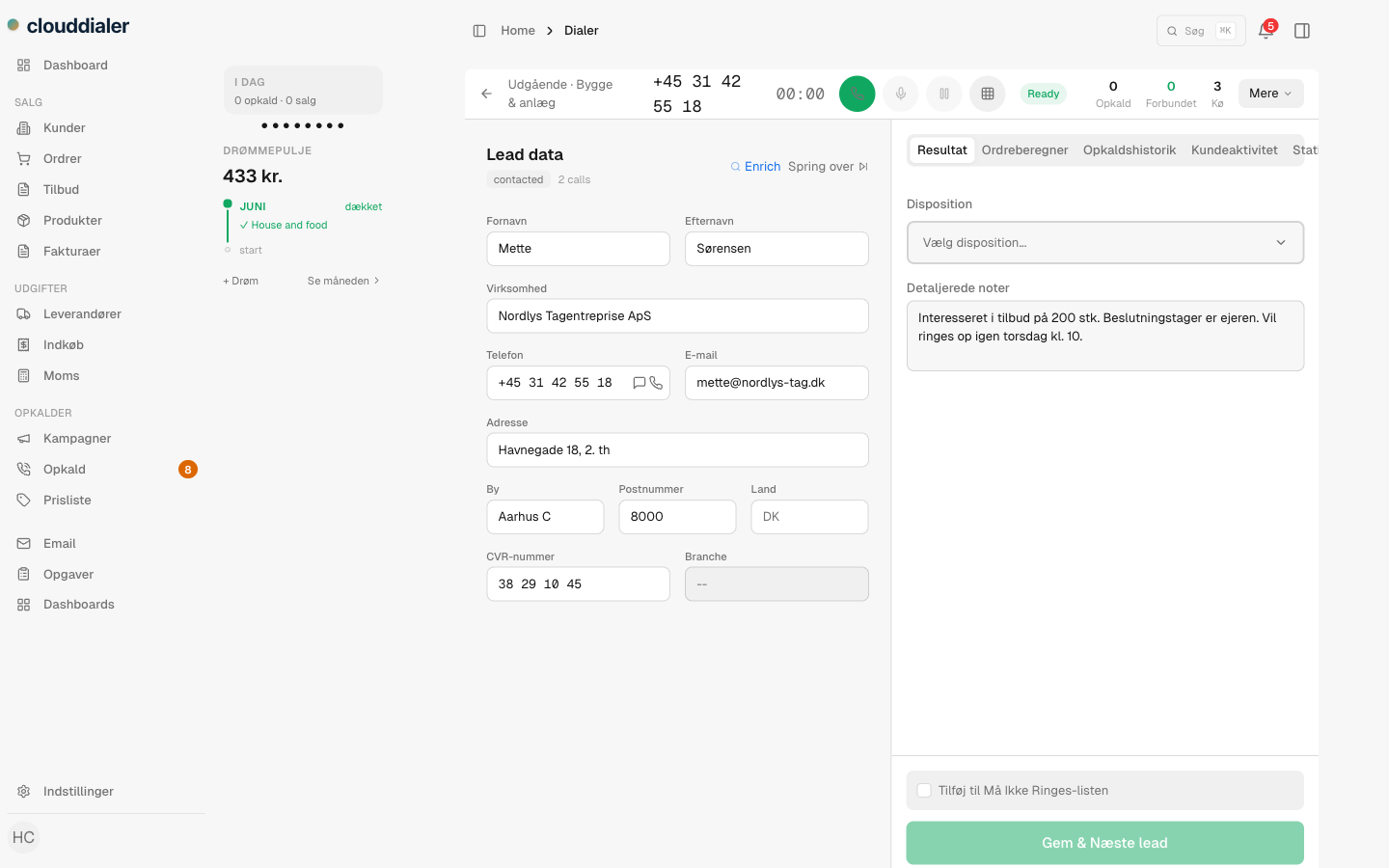
When a setter picks the "Appointment set" outcome on a call, the booking form opens right there — date, time, length, and whether it's a phone, video, or in-person meeting. No copy-pasting into a separate calendar tool, no switching tabs while the lead is still warm. The meeting is captured against the lead and the exact call it came from.
- Phone, video, or in-person — the meeting type travels with the booking
- Tied to the lead and the call, so the closer sees how it was set
- Refuses meetings booked in the past, so the calendar stays clean
The handoff
The setter books it, the closer owns it
Appointment setting only pays off if the meeting reaches the person who closes it. Assign a booked meeting to a specific closer and the handoff is recorded — CloudDialer knows who set it and who's running it. The closer sees it on their own calendar; the setter's number doesn't sit on a meeting they'll never take.
- Assign to any closer at the moment of booking
- The handoff is tracked, so coaching and credit stay honest
- If nobody's assigned, the setter keeps it — never an orphan meeting
What happens after the booking
Confirmed and remembered, on its own
Confirmation goes out
The lead gets an SMS or email confirming the meeting, with its own confirmation link — the moment it's booked.
A reminder a day before
24 hours out, the lead is reminded automatically. The job runs against upcoming meetings, so nothing slips because someone forgot.
A nudge an hour before
One hour before the meeting, a final reminder lands — the window where no-shows are actually saved.
It lands on the calendar
Connect Google Calendar or Outlook and the booking syncs to the closer's real calendar, then clears itself if the meeting is cancelled.
Routing with rules
Decide what a booked meeting sets in motion
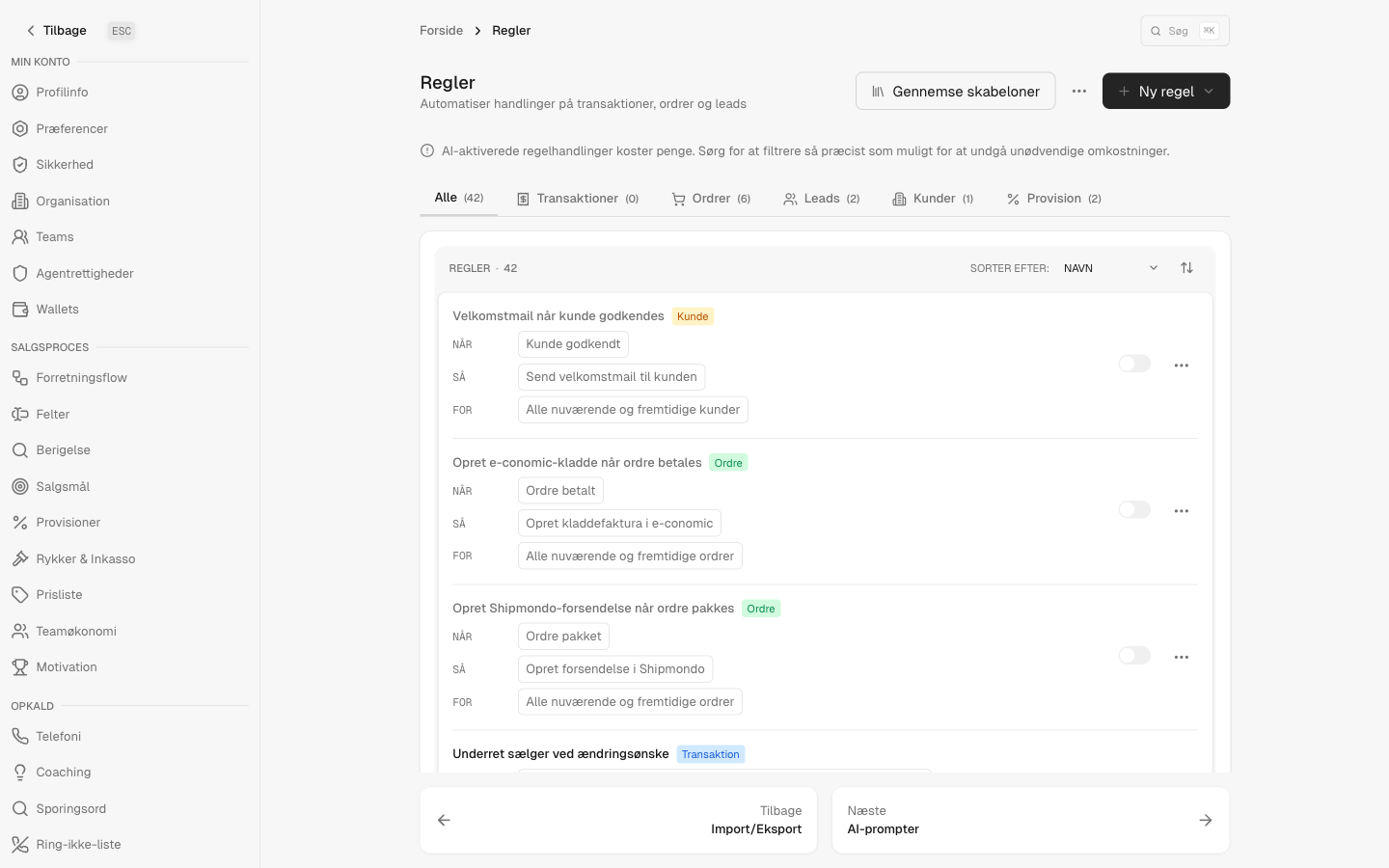
Every appointment fires an event into the rules engine — booked, confirmed, completed, missed, cancelled. That's the seam where you wire in what your team actually does next: assign the meeting round-robin across closers, raise a task for the rep, move the lead into a closing campaign, or ping the owner the instant a meeting is set. The modules carry the work; the rules decide the path. No-shows aren't a dead end either — a missed meeting can trigger its own follow-up.
- Round-robin a fresh booking across your closing team
- Open a follow-up task or move the lead onward automatically
- Catch every no-show with a rule, instead of by memory
Questions setters and managers ask
Is appointment setting on the free CRM?
No. Appointment setting is part of a dialer plan. The free tier is the CRM core; the dialer and appointment-setting modules switch on when you're running outbound.
Does it sync to our real calendar?
Yes — connect Google Calendar or Outlook per user and booked meetings sync to that calendar, then remove themselves if a meeting is cancelled. Tokens are encrypted at rest.
How are the lead reminders sent?
Automatically: a confirmation when the meeting is booked, then reminders 24 hours and 1 hour before. Reminders go by SMS or email, so confirmation isn't left to the setter to remember.
Can a setter book a meeting for someone else to run?
That's the point. Assign the meeting to a closer at booking time and CloudDialer records the handoff — who set it, who runs it — so the right person owns the meeting and the credit is clear.
What happens when a lead doesn't show?
A missed meeting is its own status and fires its own event. Build a rule to re-queue the lead, raise a callback, or notify the rep — no-shows become a workflow, not a lost row.
Hand your closers a calendar worth working
Book from the dialer, confirm and remind without lifting a finger, and let rules carry each meeting to the right person.