
DIALING MODES
Fewer clicks between calls. More conversations a day.
Choose how you dial: steer each call yourself, or let CloudDialer feed the next lead automatically so reps keep moving without going back to the list. Two modes, set per campaign.
MANUAL
When the rep should steer every call.
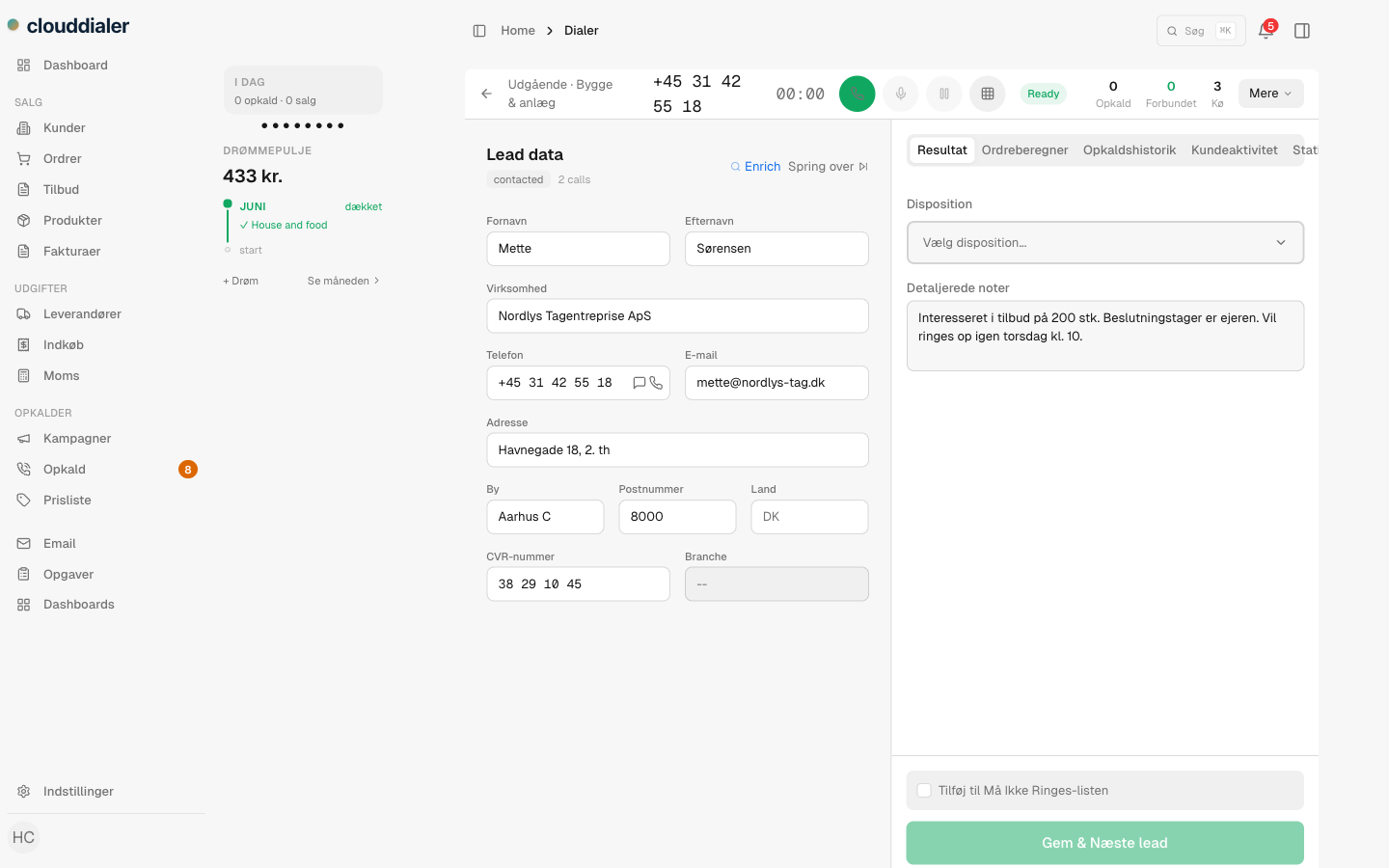
Some calls shouldn't be fired off in a row. The rep opens the lead, reads the history, and dials when they know what the conversation is about. Manual dialing gives full control of the pace — one lead, one call, the rep's own rhythm.
- Open the lead, read the context, then dial when you're ready
- Good for key accounts, follow-ups and booked callbacks
- The call logs itself either way — manual or progressive
PROGRESSIVE
The next lead is ready before the rep goes looking for it.
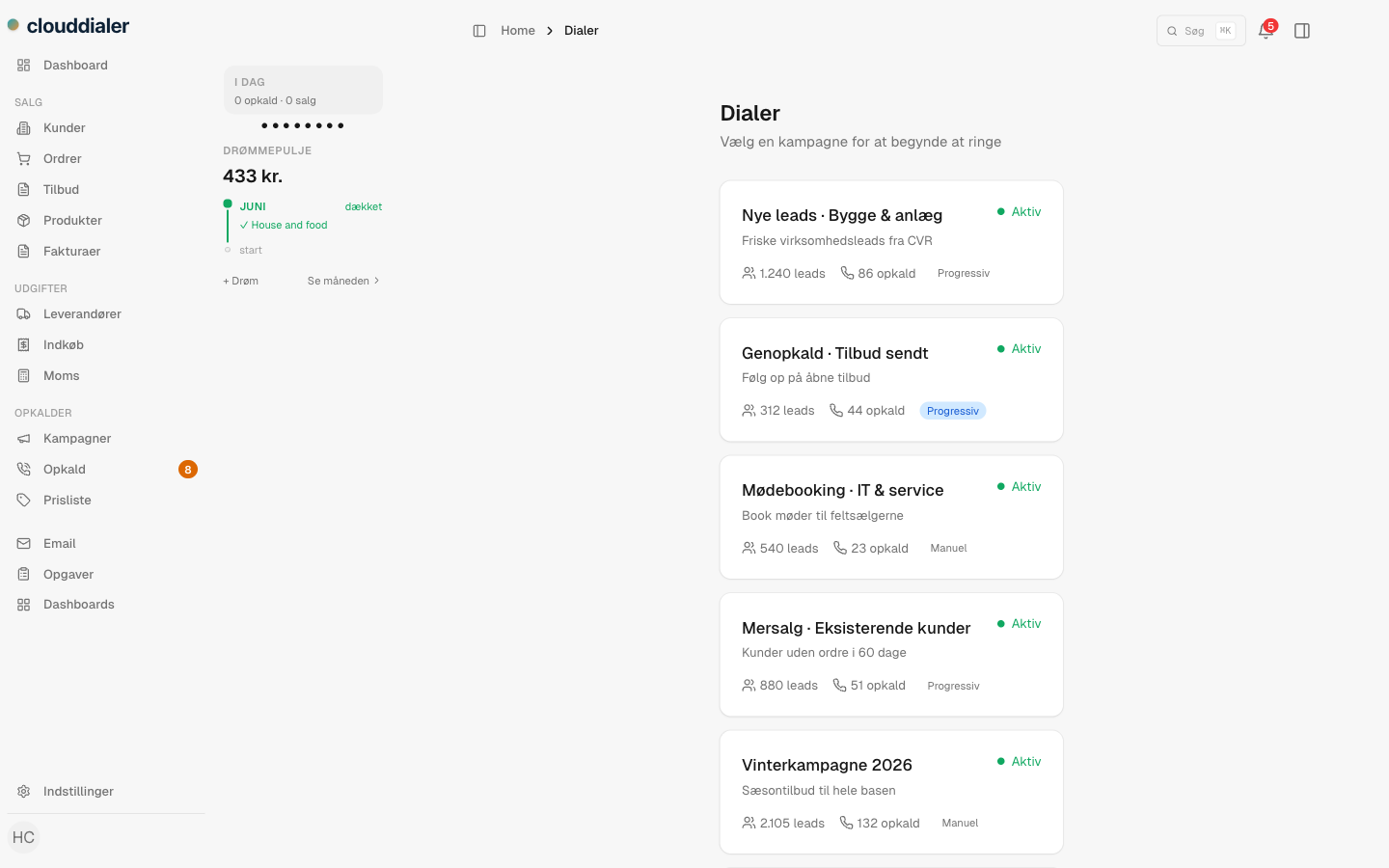
In progressive dialing, CloudDialer feeds the next lead on its own. When a call ends and the outcome is set, the dialer pulls the next one from the queue and moves on — no clicking back to the list. The gap between calls becomes the time it takes to hang up.
- The next lead is pulled automatically as soon as the call ends
- Reps keep dialing without clicking back into the campaign
- When the queue is empty it waits — it never dials into nothing
HOW PROGRESSIVE WORKS
One call rolls into the next.
The call ends
The rep sets the outcome — sold, not interested, call back later.
The next lead loads
CloudDialer pulls the next lead from the campaign queue onto the screen.
It dials on
If the rep is ready and the line is free, it places the next call. If the queue is empty, it waits instead of dialing into nothing.
Two modes, not three.
Questions about the dialing modes
Do you have predictive dialing?
No. CloudDialer has manual and progressive dialing. We don't promise predictive dialing, because it isn't built — you get the two modes that actually work.
Does progressive dialing call into an empty queue?
No. If there are no more leads in the campaign, the dialer waits for more — it never dials into nothing.
Can I mix modes across campaigns?
Yes. The dialing mode is chosen per campaign, so a key-account list can run manual while a fresh-lead list runs progressive.
Keep your reps talking, not clicking.
Set manual where calls need care and progressive where volume matters — and watch the dead time between calls disappear.